July 27, 2026
Access control systems help organizations protect buildings, data, equipment, and employees by regulating who can enter specific areas. As workplaces, schools, healthcare facilities, and commercial properties become more security-conscious, these tools have become more important for daily operations. They support safety, accountability, and convenience by replacing outdated key-based methods with smarter credential options. They also help property owners create consistent security procedures across multiple entry points.
1. What Access Control Means
At its core, access control is the process of allowing authorized people into approved areas while keeping unauthorized individuals out. Access control systems use credentials such as keycards, PINs, mobile devices, biometric scans, or security tokens to verify identity before entry is granted. This creates a clear barrier between public spaces, employee-only areas, and highly sensitive locations.
These systems are useful because they reduce reliance on traditional keys, which can be lost, copied, or difficult to track. Instead of replacing locks every time an employee leaves or a key goes missing, administrators can update permissions through software. This makes security management faster and more organized. It also reduces the chance of forgotten keys remaining active after staffing or tenant changes.
2. How Modern Access Control Works
Most access control systems rely on a few basic components. A user presents a credential to a reader, the reader sends that information to a control panel or cloud-based platform, and the system checks whether the user has permission to enter. If approval is granted, the door unlocks. If not, access is denied and the attempt may be logged.
This process happens quickly, often within seconds. Many systems also record the time, location, and user associated with each entry attempt. These logs can help managers review activity, investigate incidents, and confirm whether security policies are being followed. Over time, access records can reveal patterns that help organizations improve staffing, scheduling, and building security.
3. Common Types of Credentials
Credentials come in several forms, and each has its own benefits. Keycards and fobs are common because they are affordable, easy to distribute, and simple to deactivate. PIN codes are another option, though they can be shared or guessed if not managed carefully.
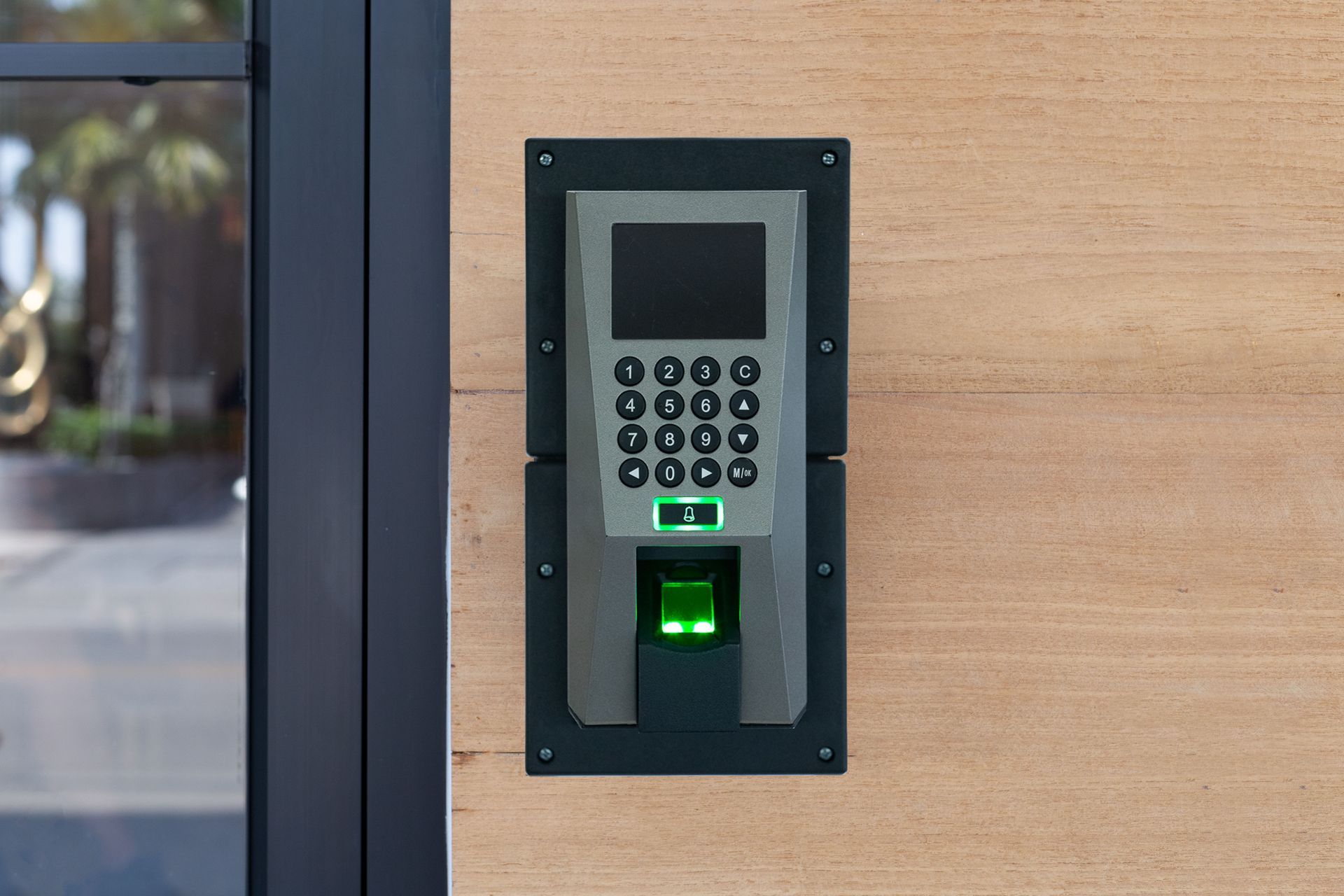
Biometric credentials, such as fingerprints or facial recognition, provide stronger identity verification because they are tied to the individual user. Mobile credentials are also growing in popularity because employees can use smartphones instead of physical cards. Choosing the right credential depends on the property’s risk level, budget, and daily traffic. Some facilities combine multiple credential types to balance convenience with stronger protection.
4. Major Types of Access Control Models
There are several models used to manage permissions. Discretionary Access Control allows certain users or owners to decide who can access specific resources. This model is flexible but may require strong oversight to prevent unnecessary access.
Mandatory Access Control is more restrictive and is often used in high-security environments. Permissions are controlled by a central authority and cannot be changed casually by users. Role-Based Access Control assigns permissions based on job roles, making it useful for companies with clear departments and responsibilities. Attribute-Based Access Control is more advanced, using conditions such as location, time, user status, or device type to make access decisions. These models may also be combined when one approach alone does not meet every security need.
5. Benefits for Businesses and Facilities
Access control systems improve security by limiting entry to approved individuals. They also support accountability because administrators can see who entered specific areas and when. This is especially useful for offices, warehouses, schools, medical facilities, apartment buildings, and commercial properties.
They can also improve convenience. Employees no longer need to carry multiple keys, and managers can update access rights without physically changing locks. For growing businesses, this flexibility makes it easier to onboard new employees, remove former employees, and adjust permissions as roles change. It also helps maintain security during renovations, department moves, or changes in building use.
6. Integration With Other Security Tools
Many organizations connect access control with cameras, alarms, visitor management platforms, and intercom systems. This creates a layered security approach that gives administrators better visibility. For example, when a door is opened, a connected camera may capture video of the event.
This integration can help confirm whether the person using a credential is the authorized user. It can also support investigations after suspicious activity. According to datanetit.com, security cameras globally rank as the most effective burglary deterrent, making them a valuable companion to entry management technology. When these tools work together, security teams can respond with more context and confidence.
7. Choosing the Right System
Selecting the best solution begins with understanding the property’s layout, security risks, number of users, and compliance needs. A small office may only need basic card access at main entrances, while a hospital or data center may require biometric verification, detailed reporting, and strict permission rules.
Scalability is another important factor. Access control systems should be able to grow with the organization. A system that works for one door today may need to support multiple buildings, departments, schedules, and user groups in the future. Decision-makers should also consider ease of use, vendor support, reporting features, and integration options.
8. Implementation and Setup Considerations
Before installation, organizations should identify which areas need protection and who should have access to each space. This includes reviewing employee roles, visitor policies, emergency procedures, and any industry-specific regulations. Clear planning helps prevent confusion after the system is installed.
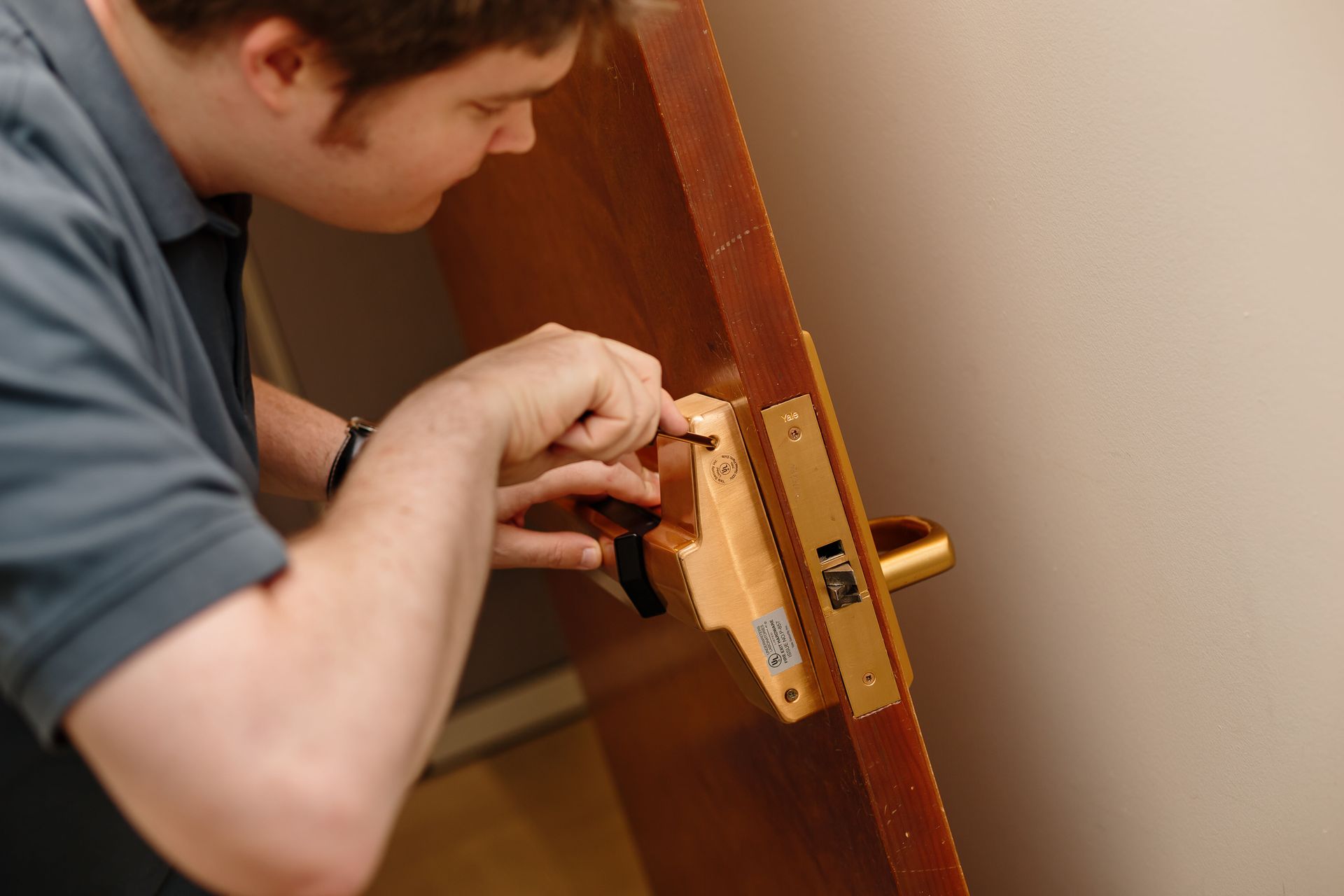
Professional installation can help ensure that readers, locks, control panels, and software are configured properly. Training is also important so administrators understand how to add users, remove permissions, review logs, and respond to alerts. A strong setup process helps the system operate smoothly from the beginning. Written procedures can further support consistency when multiple people manage security settings.
9. Maintenance and Ongoing Management
Access control systems require regular review to remain effective. Administrators should update permissions when employees change roles, leave the company, or no longer need access to certain areas. Old credentials should be deactivated promptly to reduce security risks.
Hardware should also be inspected periodically. Door locks, readers, batteries, wiring, and network connections can wear down or fail over time. Software updates are equally important because they may include security improvements, performance enhancements, and compatibility fixes. Regular testing helps confirm that doors lock correctly, alerts work properly, and reports remain accurate.
10. Why Access Control Matters Long Term
Access control is not only about preventing unauthorized entry. It also supports better organization, safer workplaces, and stronger operational control. When entry permissions are clearly defined, employees understand boundaries and managers gain a more accurate picture of facility activity.
Organizations should also view security as an ongoing process rather than a one-time investment. As businesses grow, employee responsibilities change, and technology continues to evolve, security strategies should be reviewed and adjusted accordingly. Conducting routine security assessments, updating user permissions, and evaluating system performance help ensure that the solution continues to meet operational needs. Taking a proactive approach to reviewing policies and equipment can reduce vulnerabilities while improving efficiency and supporting long-term organizational goals.
As technology continues to evolve, access control systems are becoming smarter, more flexible, and easier to manage remotely. Cloud platforms, mobile credentials, biometric tools, and system integrations allow organizations to build security strategies that match modern risks. With thoughtful planning and regular maintenance, these systems can provide lasting protection and practical value. For many properties, this investment becomes a foundation for safer and more efficient daily operations. Contact our team at American Security Safe & Lock today and learn more about our access control services.